Scan and read in English
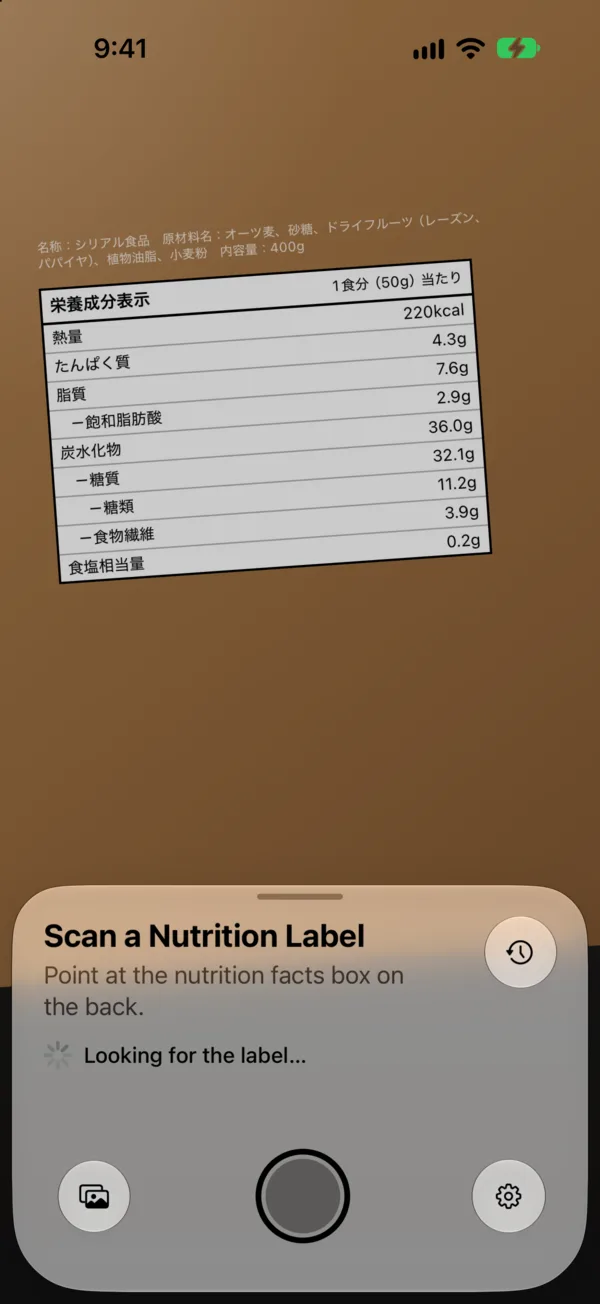
Hold your phone over the panel. NutriFacts finds it, captures it on its own, and translates every line.
Coming soon to TestFlight
Point your iPhone at the 栄養成分表示 on a food pack. NutriFacts reads every line, translates it into plain English, and shows each one as a % of daily values.
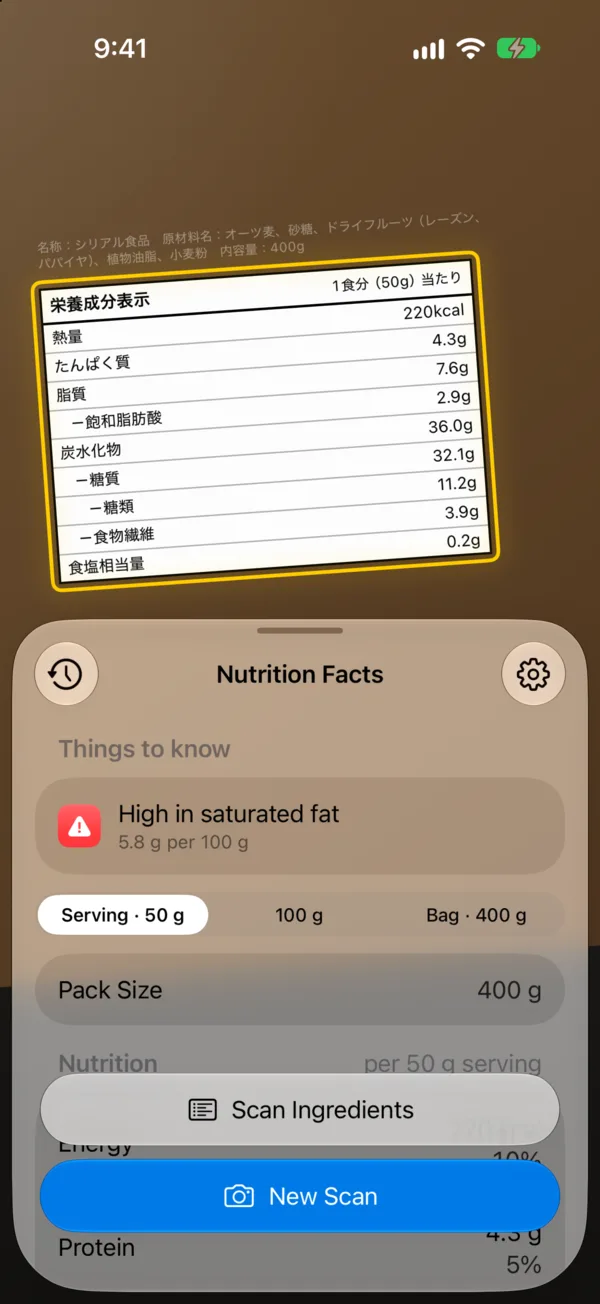
Hold your phone over the panel. NutriFacts finds it, captures it on its own, and translates every line.
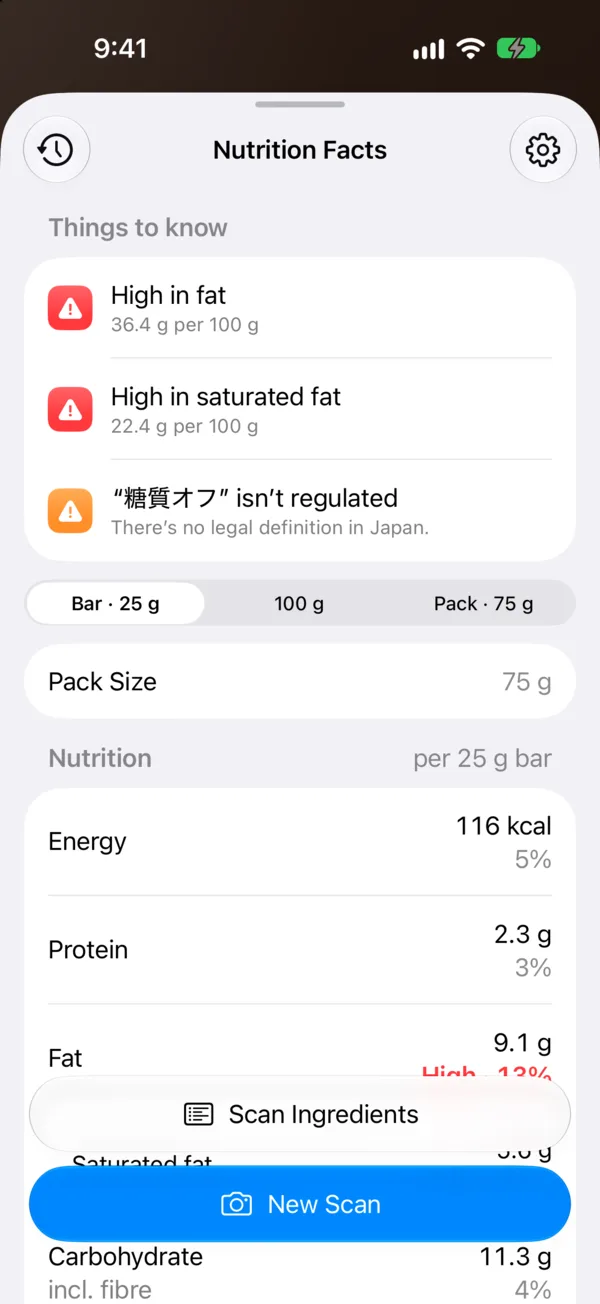
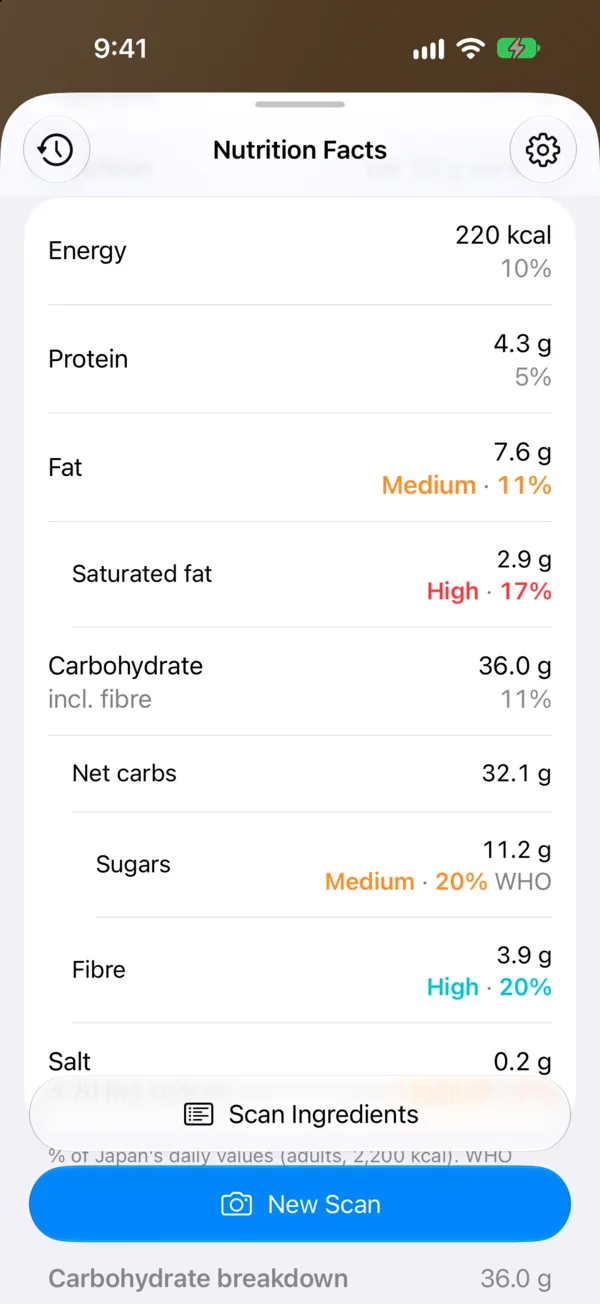
Japanese labels don’t show daily values. We add them from the guidelines you choose: Japan, the EU, the UK, the US, Canada or the WHO. The UK, US and Canada also say what’s high, in their own words.
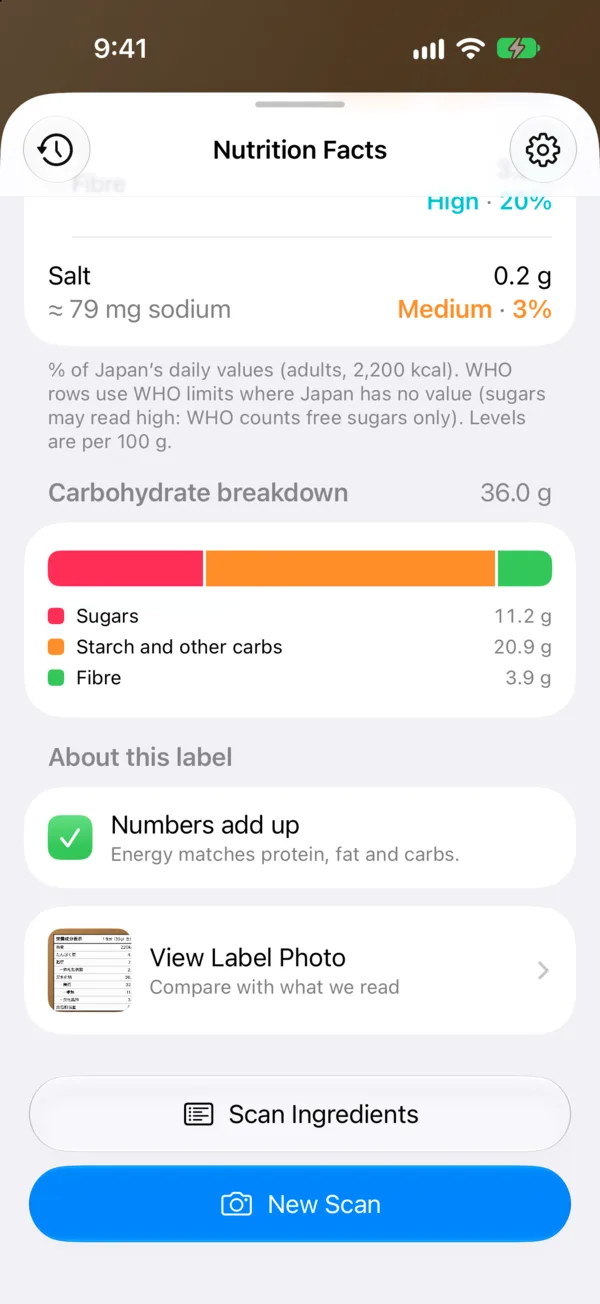
Most labels only list five lines. When sugars or fibre aren’t printed, we say “Not listed”, never zero.
“糖質オフ” has no legal definition. “カロリーゼロ” means under 5 kcal per 100 g or ml. We say which is which, and check the energy adds up.
Japan prints salt equivalent (食塩相当量). We convert it to sodium in mg, so you can compare it with home.
Scan the ingredients box too. See what’s in it in English, with allergens and additives called out.
Why it matters
It’s the most common mistranslation on Japanese packs. 糖質 means net carbs, starch included. 糖類 means sugars. And most labels don’t print either.
NutriFacts shows you exactly how much of the carbohydrate figure the label explains, and how much it leaves out.

We’re opening a free TestFlight beta for iPhone soon. Leave your email and we’ll send you the invite link the day it’s ready.
TestFlight is Apple’s free app for trying beta versions of iPhone apps. When the beta opens, we’ll email you a link. Tap it on your iPhone to install TestFlight and NutriFacts.
NutriFacts needs iOS 26 or later.
Yes. By default, the photo of the label is sent to our server, where an AI model reads it.
The beta is free.
No. That’s the point. NutriFacts is made for people living in or visiting Japan who want to know what’s in their food.
We’ll use it to send you the beta invite and occasional updates about NutriFacts. We won’t share it. Every email has an unsubscribe link.
Developed by